BASES - Relative Progress Bars
Setup
- You need two numeric properties (e.g.
estimatedEffortandcurrentEffort) in your notes - In your base, click on Properties, Add Formula, and give it a name (e.g.
fPercentage)- Copy/paste the first code snippet from below
- Create another property (e.g.,
fProgressBar)- Copy/paste the second code snippet from below
- You can replace the emojis in the formula with whatever you prefer
Result
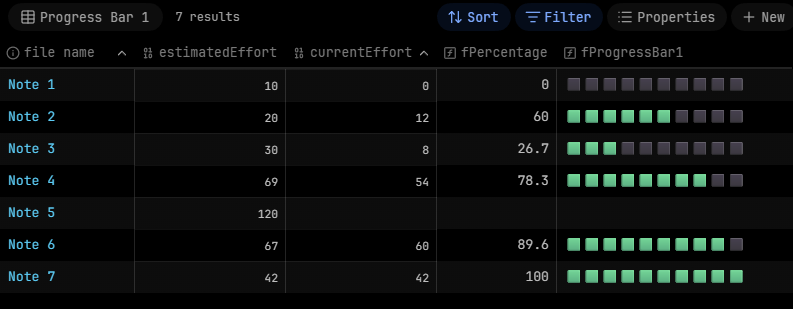
You get a view like this:
Code
Snippet 1 - fPercentage
(currentEffort / estimatedEffort * 100).round(1)
Snippet 2 - fProgressBar
("🟩".repeat(((formula.fPercentage / 100) * 10).round(0)) + "⬛".repeat(((100 - formula.fPercentage) / 100 * 10).floor()))